/v1/responses 实现,并额外暴露 /v1/responses/compact 端点 —— 服务端自动压缩历史轮次,长会话省 token、稳定性更高。
前提
- 在 API Key 管理 创建 API Key
- 已装 Node.js 18+
- Windows 用户:额外装 Git for Windows
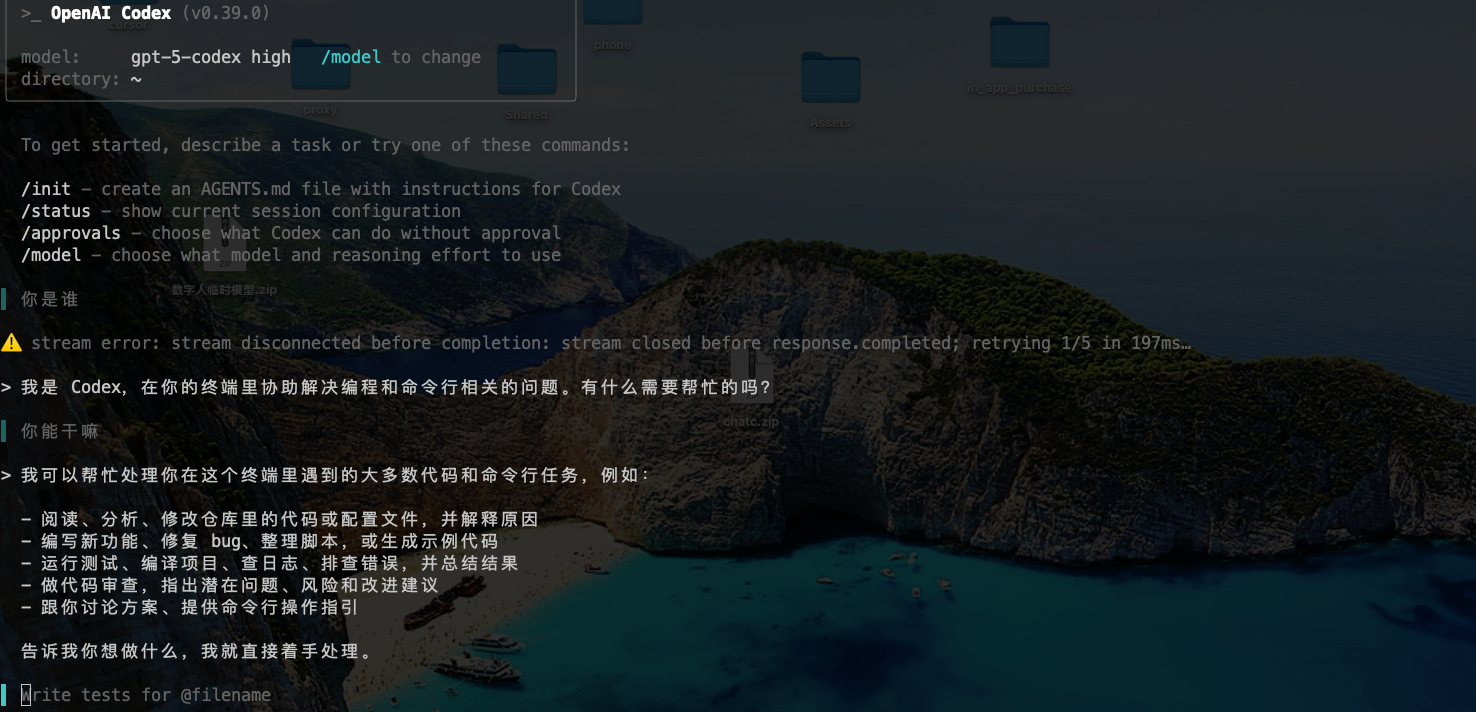
安装 Codex CLI
- macOS / Linux
- Windows PowerShell
- Windows CMD
创建配置目录
- macOS / Linux
- Windows PowerShell
- Windows CMD
写入两个配置文件
Codex 读两个文件:~/.codex/config.toml—— 模型、上游、推理强度等参数~/.codex/auth.json—— API Key
config.toml
| 字段 | 推荐值 | 说明 |
|---|---|---|
model | gpt-5.5 | 通用最强档。Codex 长会话推荐 gpt-5.3-codex,日常 / 成本敏感用 gpt-5.4 |
model_reasoning_effort | high | minimal | low | medium | high,越高越慢 |
disable_response_storage | true | 不在服务端保存 response,更省 token、更隐私 |
wire_api | responses | 用 Responses 协议(不是 chat completion) |
base_url | 见上 | 必须带 /v1 |
auth.json
- macOS / Linux
- Windows PowerShell
- Windows CMD
用编辑器写入,或直接 heredoc:
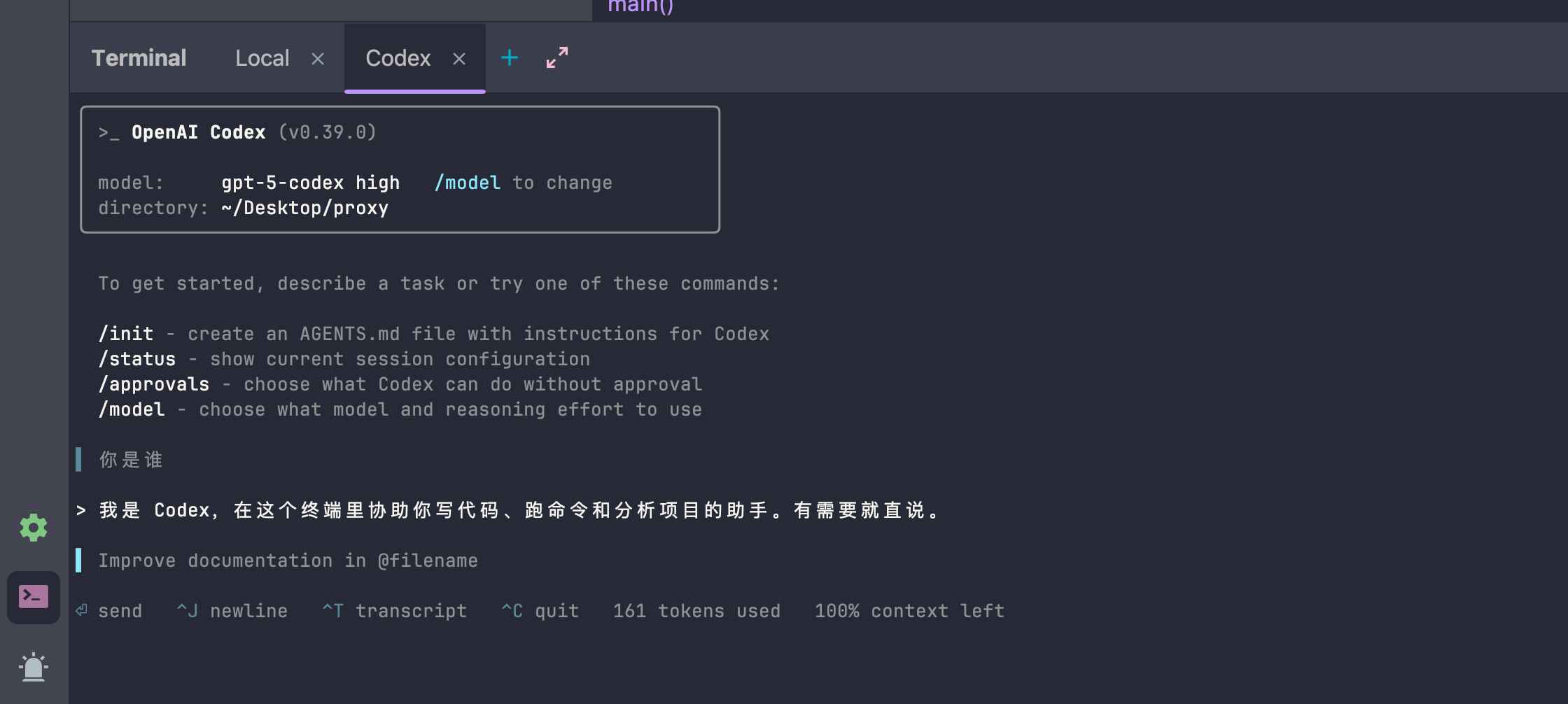
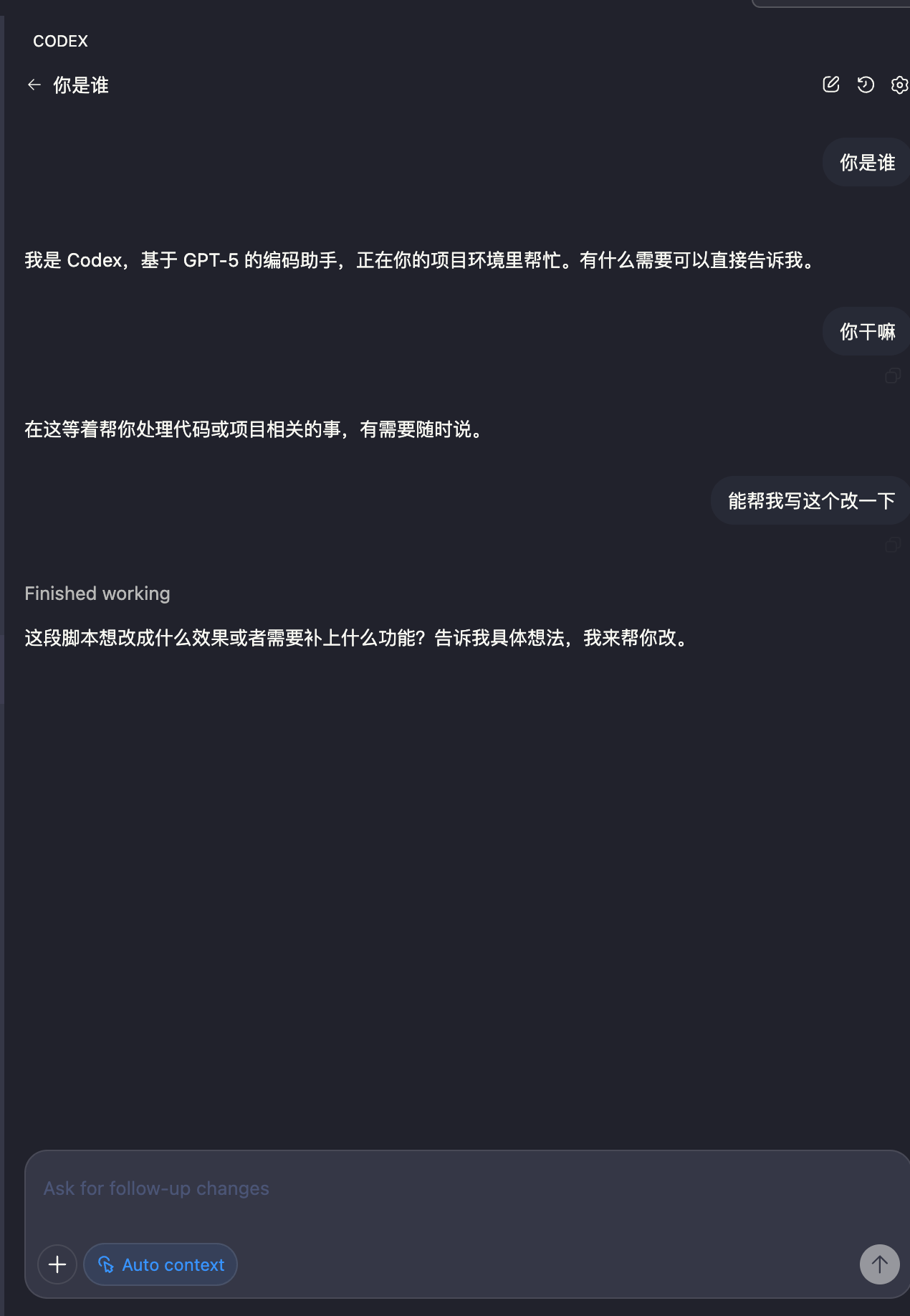
chmod 600 保证只有当前用户能读,防止 Key 泄漏。验证
升级
三个平台都用:进阶:用 Compact 端点跑长会话
Codex CLI 默认走/v1/responses。VisionCoder 额外提供 /v1/responses/compact,服务端自动压缩历史 message,长会话能省 30-60% 上下文:
request_path 一行,其它配置不动。注意:
gpt-5.3-codex自带长会话优化,搭配 compact 效果最明显- 短任务(< 5 轮对话)用普通
/responses更精确
可选环境变量
如果你想在不同项目用不同模型 / 推理强度,可以把模型放环境变量、config.toml 留默认:| 变量名 | 例值 |
|---|---|
CODEX_MODEL | gpt-5.5 |
CODEX_REASONING_EFFORT | medium |
- macOS / Linux
- Windows PowerShell
- Windows CMD
故障排查
提示要登录 OpenAI
提示要登录 OpenAI
没用
--ignore-scripts 装,或者忘了写 auth.json。重装并补 auth.json:401 / Invalid API Key
401 / Invalid API Key
auth.json里OPENAI_API_KEY是不是完整的 VisionCoder Key(不是 OpenAI 的sk-...)config.toml里requires_openai_auth = true是不是设了- 关掉 Codex 再起一次
404 / 端点不存在
404 / 端点不存在
base_url 没带 /v1 或 wire_api 没设成 responses。完整应该是:模型名不识别
模型名不识别
实时模型列表:
curl https://coder.api.visioncoder.cn/v1/models。可用的 GPT 系列:gpt-5.2 / gpt-5.4 / gpt-5.4-mini / gpt-5.5 / gpt-5.3-codex。相关
加群 & 客服